Bandicam
- Jamie Harvey
- Nov 12, 2018
- 1 min read


The main interface (left) and the selection box for the rectangle window mode (right)
Video Tutorial:
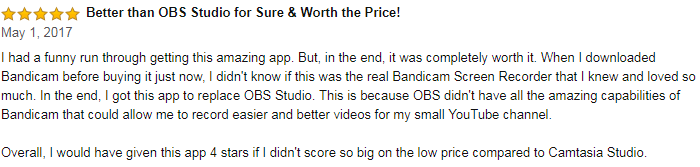
Comparison to OBS Studio
Bandicam, like OBS allows you to record your screen including almost any application. However, it does have some restrictions due to having two different versions, the free version and the paid version. With the free version, you are limited to 10 minutes per recording and there will also be a watermark on your video. However with the paid version, there will be no watermark and you can record for as long as you like. OBS studio is completely free however and so might be a better alternative if you don't want to pay for a piece of software.
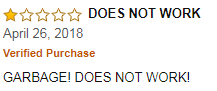
Reviews




Conclusion
Personally, I probably wouldn't use this software because I don't feel that the extra features compared to OBS provide anything more that would make it worth buying the software. I think I could provide the same quality of video with OBS as I would with Bandicam but for free.


Comments